Run a community People and access
People and invites
People in the sidebar lists everyone on the server. From there, admins, and anyone else allowed to invite people, bring new people in.
Invite people
Create an invite link under People and send it however you like. Whoever opens it picks a name and a password and is in. Nobody needs an email address.
People who join with an invite start at trust level 1, so they can upload files, post links and start conversations right away.
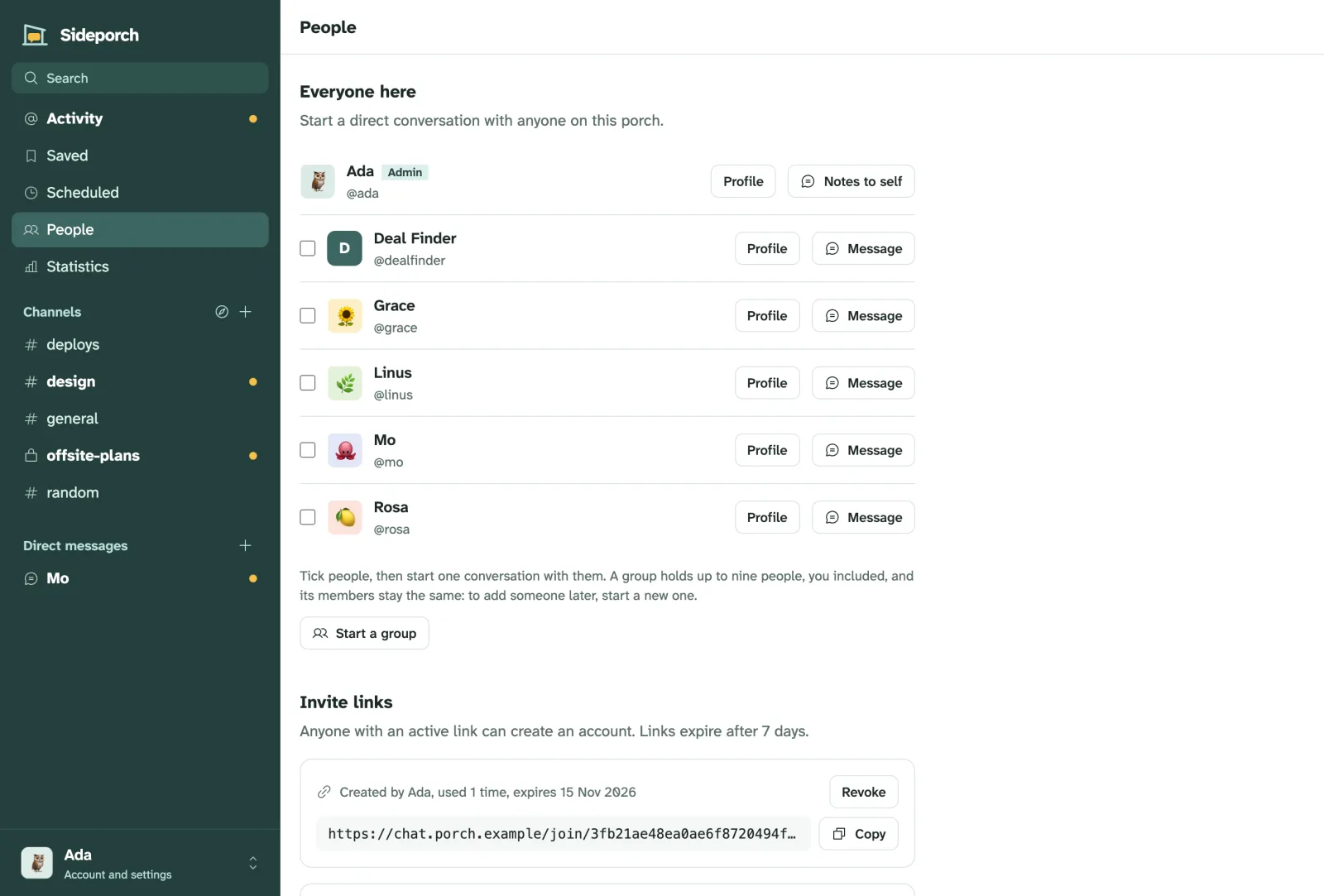
To let people join without an invite, change how sign-up works under Admin → Community.
Admins
The first account is an admin. Admins make others admins with Make admin on their profile, and take it back with Remove admin rights. Admins may do everything: they aren’t limited by trust levels or permissions.
For people who should only handle part of the work, such as moderation, give them a role instead.
Forgotten passwords
Without email, an admin creates a password reset link from the person’s profile and sends it to them. With an SMTP server set up, people reset their own passwords from the sign-in page.
When someone lost the phone with their passkey or authenticator app, an admin can reset those from the same profile, and they set them up again at their next sign-in.
When someone leaves
Deactivate their account from their profile. They can’t sign in any more, but their messages stay, so conversations still make sense. Reactivate account on the same profile brings them back.