Incoming webhooks
Incoming webhooks let other tools post into a channel. Sideporch accepts the same messages as Slack’s incoming webhooks, so tools that can notify Slack usually work unchanged: point them at Sideporch’s URL instead.
Create a webhook
In the channel, open its settings (the gear icon) and create a webhook. Copy its URL; it looks like https://chat.example.com/hooks/…. Anyone with the URL can post, so treat it like a password.
Try it:
curl -X POST -H 'Content-Type: application/json' \
  -d '{"text": "Hello from *curl*"}' \
  https://chat.example.com/hooks/<token>
What Sideporch reads
| Field | Does |
|---|---|
text | The message, in Slack’s format: *bold*, _italics_, <https://example.com|links>. |
attachments | Slack attachments, with their colour, title, text and fields. |
username, icon_url, icon_emoji | Who the message appears to be from. |
channel | Post to another public channel, by name, instead of the webhook’s own. |
Other fields are ignored. Bodies can be JSON, or a form with the JSON in its payload field, as some older tools send.
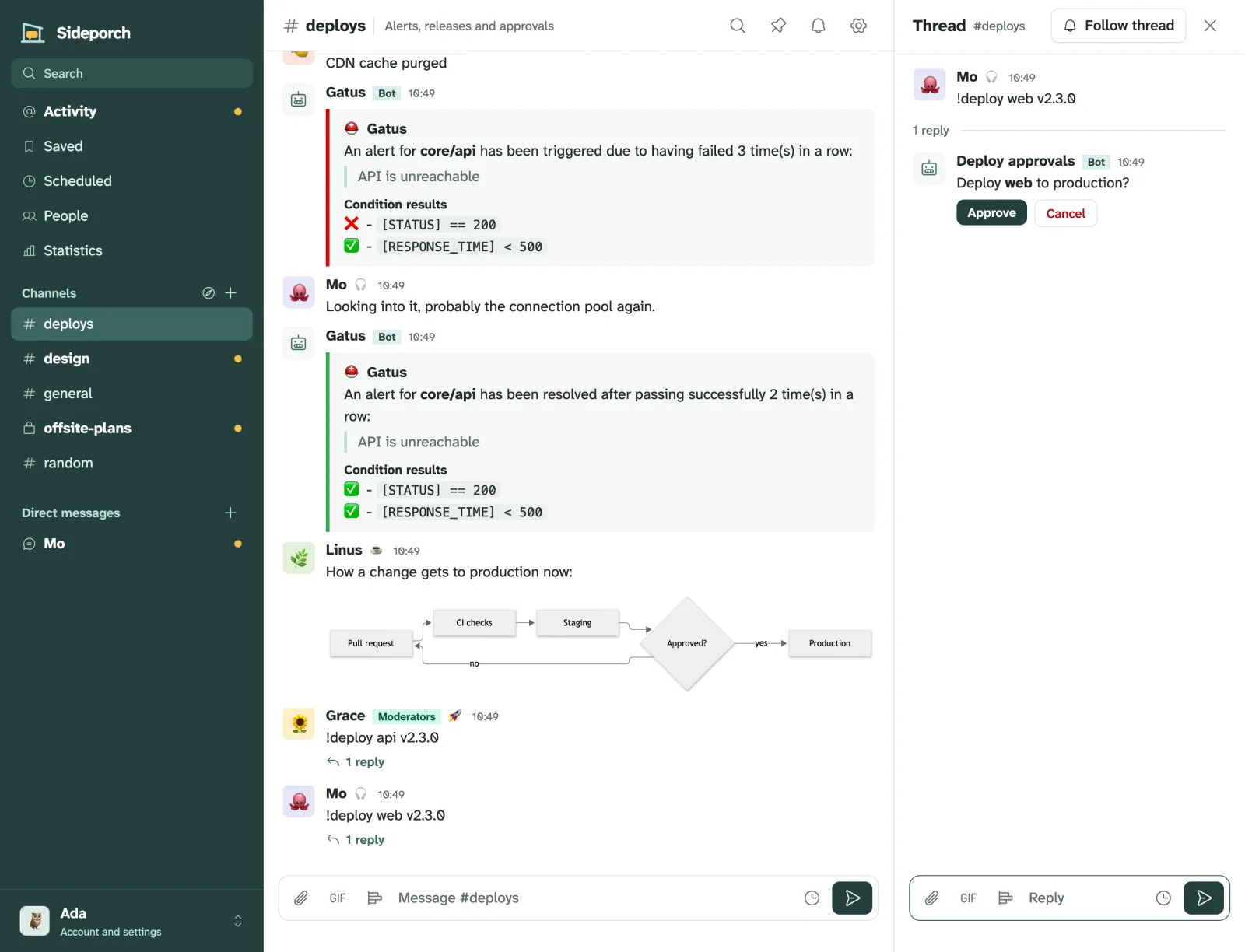
Gatus
Gatus posts through its slack provider:
alerting:
  slack:
    webhook-url: "https://chat.example.com/hooks/<token>"
endpoints:
  - name: website
    url: "https://example.com"
    conditions:
      - "[STATUS] == 200"
    alerts:
      - type: slack
        send-on-resolved: true
Its mattermost provider works too, and its channel setting posts to another public channel by name. Sideporch’s tests replay the payloads Gatus actually sends, so this keeps working.
Other tools
Anything that posts Slack-style text and attachments works the same way: Grafana’s Slack contact point with a webhook URL, CI systems, backup scripts, or your own curl. For more than posting, such as answering commands or calling other services, write an automation: each one has its own webhook URL too.