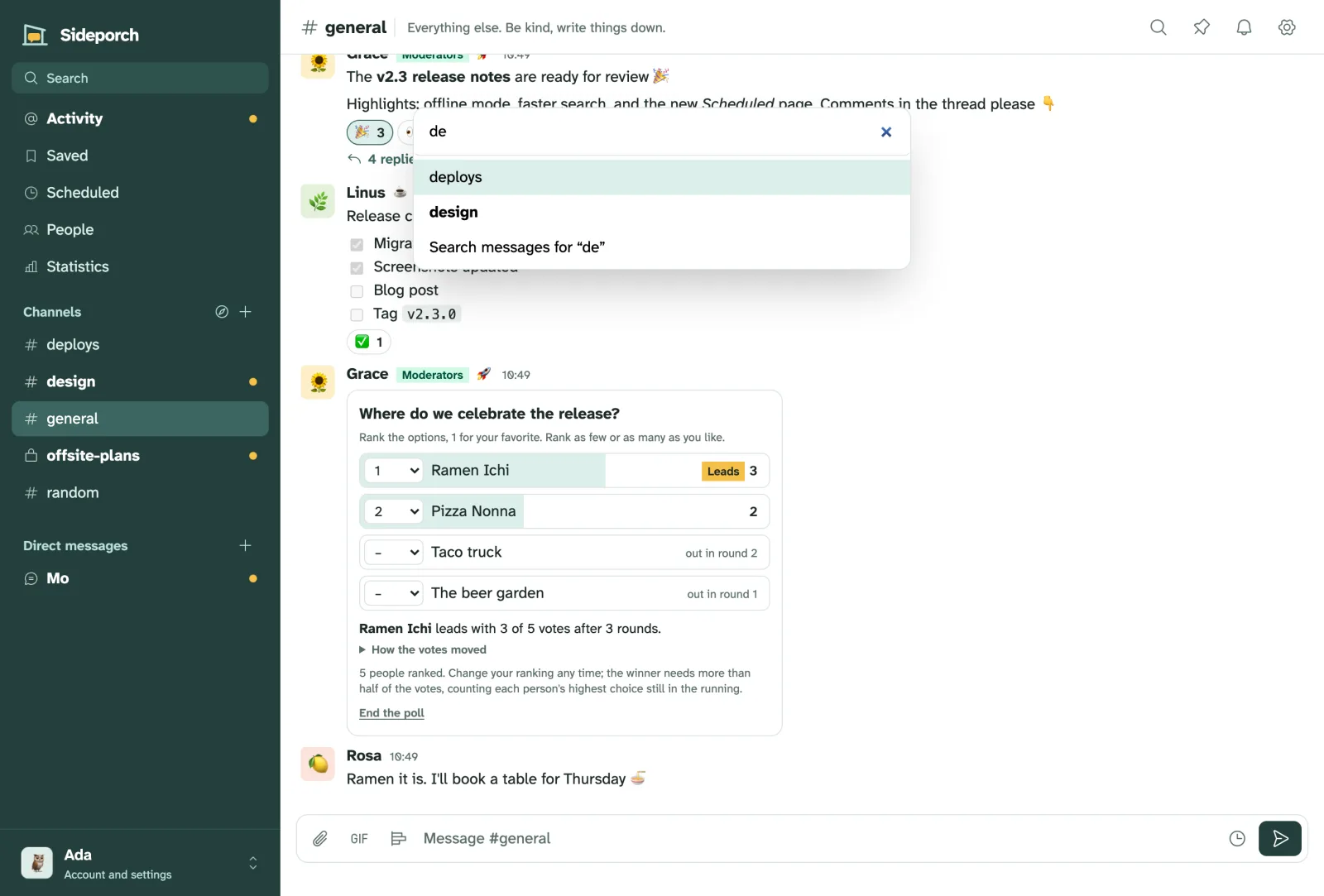
Keyboard shortcuts
| Keys | What they do |
|---|---|
| ⌘ K (Ctrl K) | Jump to a channel, person or page |
| Alt ↑ / ↓ | Previous or next channel |
| Alt Shift ↑ / ↓ | Previous or next unread channel |
| ↑ | Edit your last message, in an empty message box |
| Enter / Shift Enter | Send / new line |
| Esc | Close the thread |
| ⌘ / (Ctrl /) | Show all shortcuts |
In an empty message box, typing / suggests commands; ↑ ↓ choose one, and Tab or Enter takes it. /help lists them all.