What Sideporch is
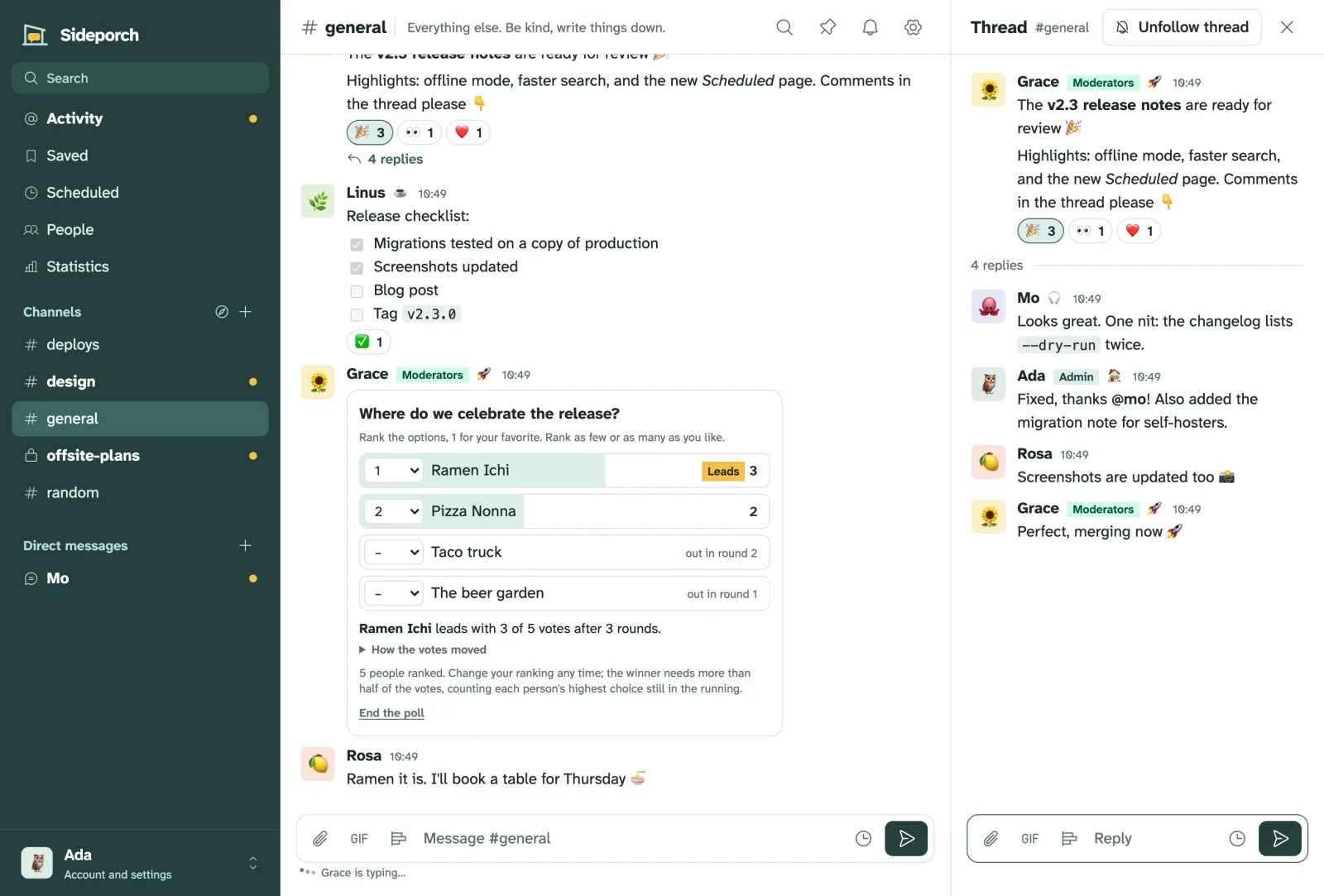
Sideporch is team chat you run yourself: channels, threads and direct messages for a team, a club, a family or a public community, with the things people miss from Slack. It is one program and one data directory, on a server you control.
Why Sideporch
- Yours, and simple to run. One program and one data directory. No database server, no mail server required, nothing else to install. It runs on a small VPS, a home server or an ARM board.
- Familiar. Channels, threads, mentions, reactions, search and notifications work the way people know from Slack, and you can bring your Slack history along.
- Easy to back up and move. Everything lives in one directory. Download a complete backup from the browser, or have Sideporch write one every day.
- Connects with other servers. Like Slack Connect, two Sideporch servers can connect to share channels and let people write to each other.
- Works with your tools. Monitors, CI and bots post through Slack-compatible webhooks, so tools like Gatus and Grafana work unchanged. Automations in Lua do the rest.
Good to know
- It’s for teams, not enterprises. Sideporch runs on one server with SQLite. That is plenty for a team, a club, a company of a few thousand or a family, but it isn’t built for organisations of tens of thousands. How big a server has the numbers.
- The server can read everything. Messages are not end-to-end encrypted. Whoever runs the server, and admins through backups, can read all of them. Use HTTPS.
- No calls, no email notifications. There are no voice or video calls, and notifications are push notifications, not email. Email, when set up, is only for signing in.
- No group direct messages. Make a private channel instead.
- Automations only see public channels, never private channels or direct messages.
Where to go next
- Try it on your own computer in a minute.
- Install it on a server to use it with other people.